FusePlan vs. Electro Planner: circuits, board and floor plan compared
Electro Planner and FusePlan both plan circuits, board and floor plan in the browser. Price, limits, standards and who each suits, as of October 2026.
I build FusePlan, so read this with that in mind. Everything about Electro Planner below comes from its own website: the homepage, the pricing page, the pages on distribution board design, the AI circuit planner and the cost estimate, its software ranking, the terms and the privacy notice, as I read them in October 2026. If something here is out of date, the About page has a way to reach me and I’ll correct it.
The short version
Electro Planner turns a list of circuits into a board. You enter the circuits or let its AI propose them from a description of the building and it picks breakers, RCDs, RCBOs, surge protection and cable sizes, spreads the circuits over L1 to L3 and draws the board on DIN rails. A floor plan, a bill of materials and a cost estimate with reference prices complete the documentation for a contractor or client. It refers to IEC 60364 and IEC 61439-3. The free plan covers three projects with up to 25 circuits each, PRO costs €20 a month.
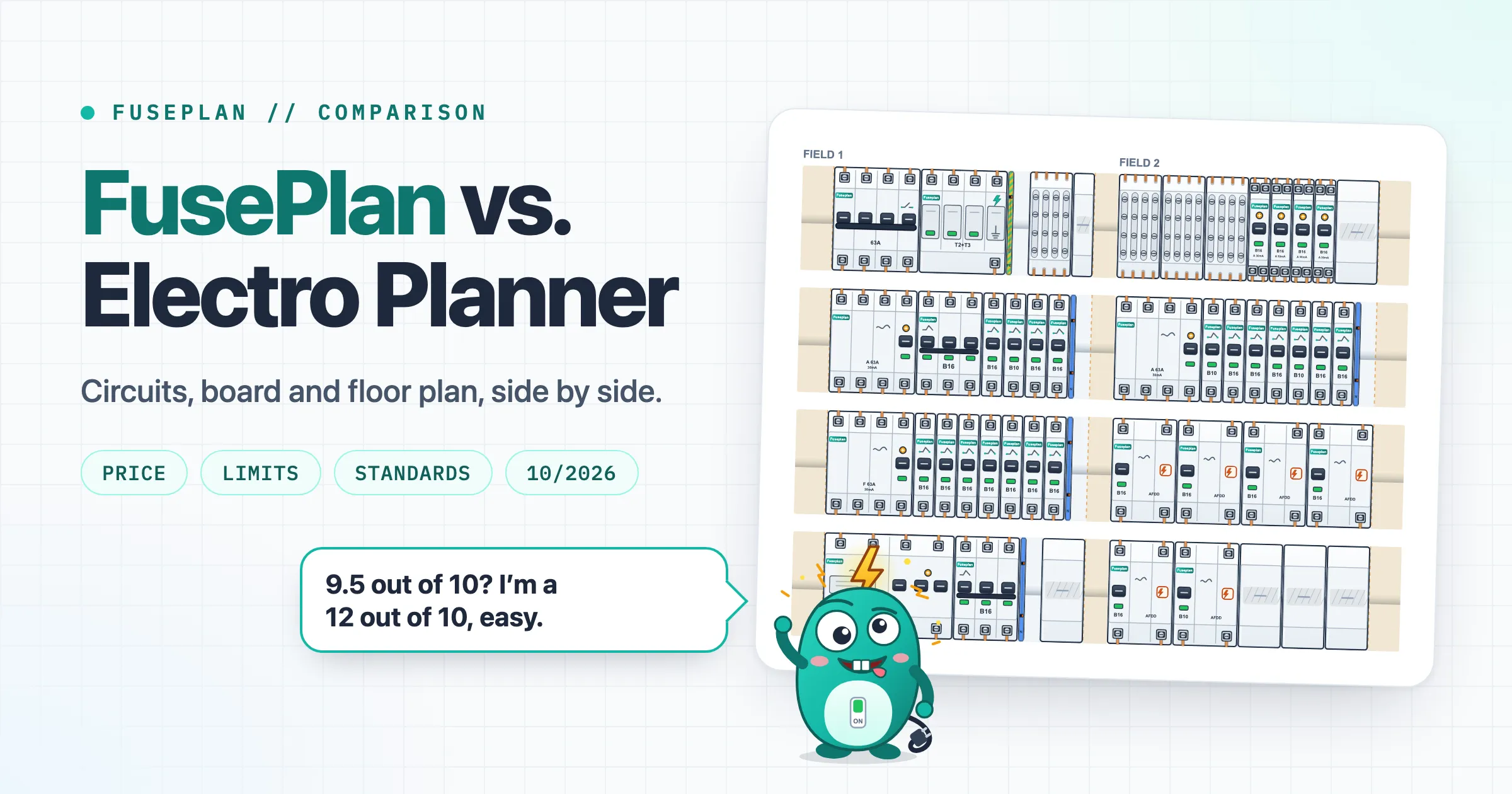
FusePlan is made for planning the electrics of a house in Germany before an electrician builds them: rooms with the DIN 18015-3 installation zones, a board with the real module widths of Hager, ABB, Schneider and Siemens parts, label strips, a parts list and a PDF for the electrician. It is free without limits, needs no account and keeps every project in your browser. Its hints refer to German standards (DIN 18015, DIN VDE 0100).
Side by side
| FusePlan | Electro Planner | |
|---|---|---|
| Price | Free | Free plan. PRO €20/month or €200/year |
| Free limits | None | 3 projects, 25 circuits per project, 25 devices per board, PDF with watermark, no circuit export |
| Account | None | Trying works without registration, the terms describe user accounts |
| Where projects live | Browser storage, JSON file, share link | On Electro Planner’s platform |
| Languages | English, German | Website in 12 languages, German, Polish, Czech and Ukrainian among them |
| Standards | DIN 18015, DIN VDE 0100 | IEC 60364, IEC 61439-3 |
| Choosing devices | You place the parts. The room planner suggests circuits by fixed rules | Automatic: breakers B10/B16/C16, RCDs, RCBOs, surge protection, cable sizes, phase distribution |
| Manufacturers | Hager, ABB, Schneider, Siemens, plus custom devices | Hager, Legrand, Schneider Electric and ABB for automatic selection, 32 brand logos on the homepage |
| Floor plan | Room planner with DIN 18015-3 installation zones, wall view, 3D, PNG/JPEG underlay | Sockets, lights, switches and circuits on a floor plan |
| AI | None in the app. llms.txt describes the project file for AI assistants | Proposes a circuit list from a description |
| Costs | No prices. Parts list with quantities and a shop link per part | Bill of materials and cost estimate with reference prices and your own rows for labour |
| Labels | Label strips at the real module widths | Circuit labels (F1, F2 …) and descriptions on the schematic and in the PDF |
| Hints on the plan | RCD type, load per RCD and on L1 to L3, surge protection, installation and bathroom zones | The board page names a “standards validation” |
| Export | PDF, JSON, label print | PDF. CSV and Excel in PRO |
| Made by | Me, Christoph | Electro Planner Sp. z o.o., Wrocław, Poland |
What Electro Planner does that FusePlan doesn’t
Automatic selection is the core of Electro Planner. You describe circuits as sockets, lighting and appliances and it picks the protective devices and the cable sizes, groups the circuits under RCDs following IEC 60364-4-43 and spreads them over L1, L2 and L3. FusePlan leaves the parts to you. Its room planner suggests circuits by fixed rules: sockets per room up to a set number per circuit, the kitchen worktop and the cooling appliances on their own, one circuit per bathroom, lights per floor, large appliances one each, spread over at least two RCDs and over L1 to L3. The circuits go to the board planner with their RCD groups and which parts end up on the rail you decide there. The cable FusePlan shows for a circuit is a proposal from a table, not a conductor sizing.
The AI circuit planner goes one step earlier. You describe the building, the rooms and the larger appliances in your own words and Electro Planner prepares a draft circuit list that you edit before it goes into the project. Its own page calls the result a draft, not a construction-ready design. FusePlan has no AI of its own. Its llms.txt describes the project file, so an AI assistant can write a board that opens in the board planner.
From the bill of materials Electro Planner builds a cost estimate. Where catalogue or TIM reference prices exist it fills them in, you add rows for labour, transport or extra material and it shows net, VAT and gross totals as PDF or CSV. FusePlan’s shopping list has the quantities and a shop link per part. It shows no prices there or in the PDF, because FusePlan is not a shop and can’t know whether a price is still current. A cost estimate it doesn’t make.
The homepage shows 32 brand logos, from Hager and ABB to F&F, Zamel, Loxone and Shelly. For the automatic selection, the board page names Hager, Legrand, Schneider Electric and ABB. FusePlan has Hager, ABB, Schneider and Siemens and anything else goes onto the rail as a custom device with a name, a width in TE and a pole count. The Electro Planner website comes in 12 languages, FusePlan in two. Smart home planning with lighting control, blinds, sensors and KNX controllers is announced as coming soon.
What FusePlan does that Electro Planner doesn’t
FusePlan has no limits and no account. Electro Planner’s free plan stops at three projects, 25 circuits per project and 25 devices per board and its PDFs carry a watermark. The house in FusePlan’s 2x4x12 configuration alone has 30 circuits. Your project stays in your browser’s storage, in a JSON file or in a share link that carries the project in the part of the URL after the #, which browsers don’t send to the server.
FusePlan’s hints point to the documents an electrician in Germany works with, DIN VDE 0100 and DIN 18015, where Electro Planner refers to IEC 60364. One example: Electro Planner’s board page lists RCDs of type A and type AC. If a type AC RCD sits in a FusePlan plan, the hint says that DIN VDE 0100-530:2018-06, section 531.3.3 provides for at least type A in new installations in Germany. Other hints cover which circuits sit behind which RCD and how much load that adds up to, the load on L1, L2 and L3, surge protection, outlets in the bathroom zones, protection ratings outdoors and smoke alarms. The hints don’t replace the electrician who designs, installs and signs off the board.
The room planner draws the DIN 18015-3 installation zones along every wall and in the wall view you drag each outlet to its height. You can trace the rooms over a photo or scan of your floor plan and the 3D view shows them with their outlets. The PDF for the electrician lists every outlet with its height and circuit and the shopping list works out board parts, switch range, flush boxes and cable in metres. The Electro Planner pages I read don’t mention installation zones or outlet heights.
You type the circuit list once and FusePlan numbers the devices in reading order and prints label strips for the panel door, cut to the real module widths. The board PDF also contains a test report template for the electrician.
Which one fits
If you want the software to choose the devices, like to start from an AI proposal, need a cost estimate for a client or plan to IEC 60364 outside Germany, Electro Planner fits better. Once you go past three projects or 25 circuits, that means PRO at €20 a month. If you plan a house in Germany, want installation zones and outlet heights, hints that point to DIN VDE 0100 and DIN 18015 and a board of real parts you choose yourself, FusePlan does that for free and without an account. Both run in the browser: Electro Planner can be tried without registration according to its site and FusePlan’s room planner and board planner open straight away.
Comments
Write a comment